
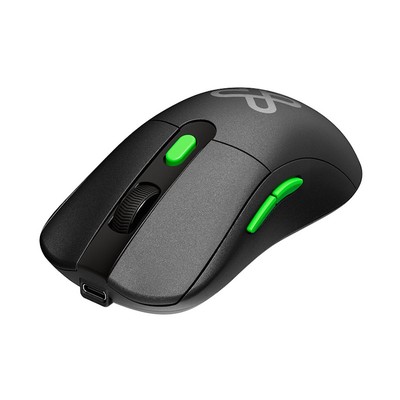
Klip Xtreme - Mouse - 2.4 GHz / Bluetooth Klip Xtreme Wireless Trimode
Description
Smart. Sleek. Flexible. Built for modern business
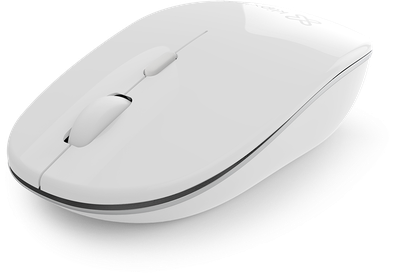
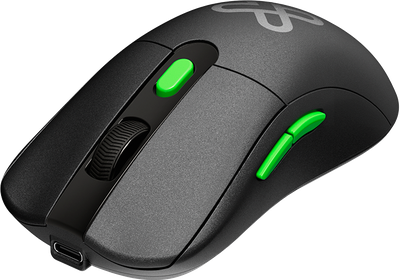
This optical mouse combines ergonomic comfort, long-lasting battery life, and silent operation with lag-free tri-mode wireless connectivity and seamless multi-device switching—all in a travel-ready design.
Redefine your daily workflow, from your desk to your next destination, with the ideal companion for today’s fast-paced workstyle.
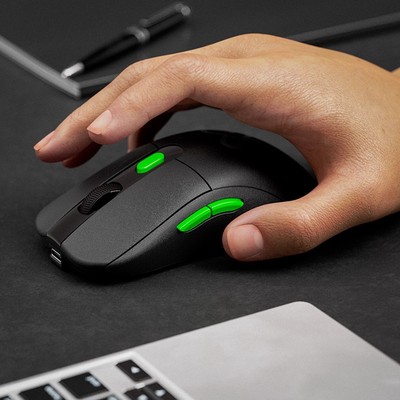
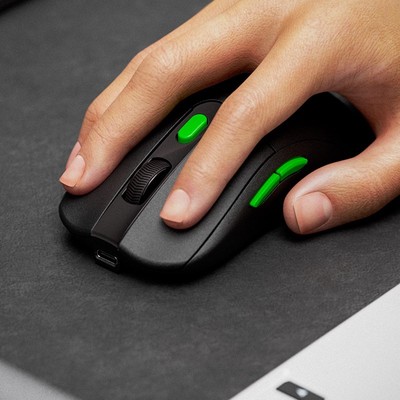
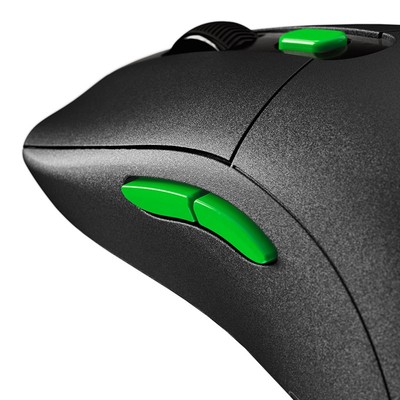
Six-button wireless control – More control, more productivity. Streamline your workflow with a full set of intuitive commands at your fingertips.
Rechargeable, long-lasting battery – Power through your workday and beyond with up to 100 hours of continuous use—that’s around twelve full days on a single charge.*
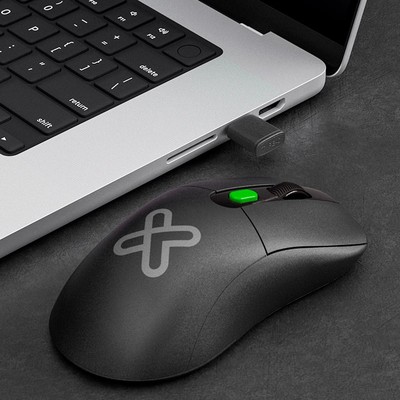
Tri-mode wireless connectivity for greater freedom – Effortlessly switch between Bluetooth®-compatible and 2.4GHz wireless connections via a 2.4GHz USB-C® or USB-A receiver, for wide compatibility and a stable, lag-free signal—up to 33 ft away.
Multiple-device pairing – Instantly switch between three devices at the press of a button, with no need to unpair or swap receivers.
Dual-receiver versatility – Includes both USB-A and USB-C® 2.4GHz nano receivers for maximum flexibility across modern and legacy devices.
Ultra-quiet performance – Work with focus. Engineered to be up to 90% quieter than standard mice for a distraction-free experience.
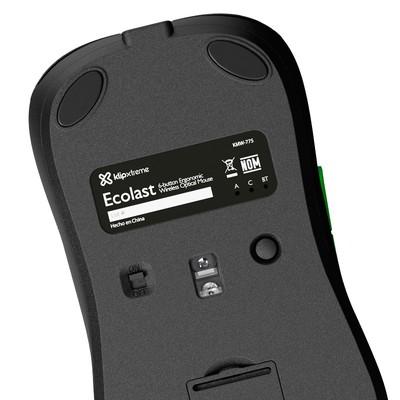
Compact & travel-ready – Designed for business on the go. A built-in receiver storage bay keeps your dongles safe and secure wherever you work.
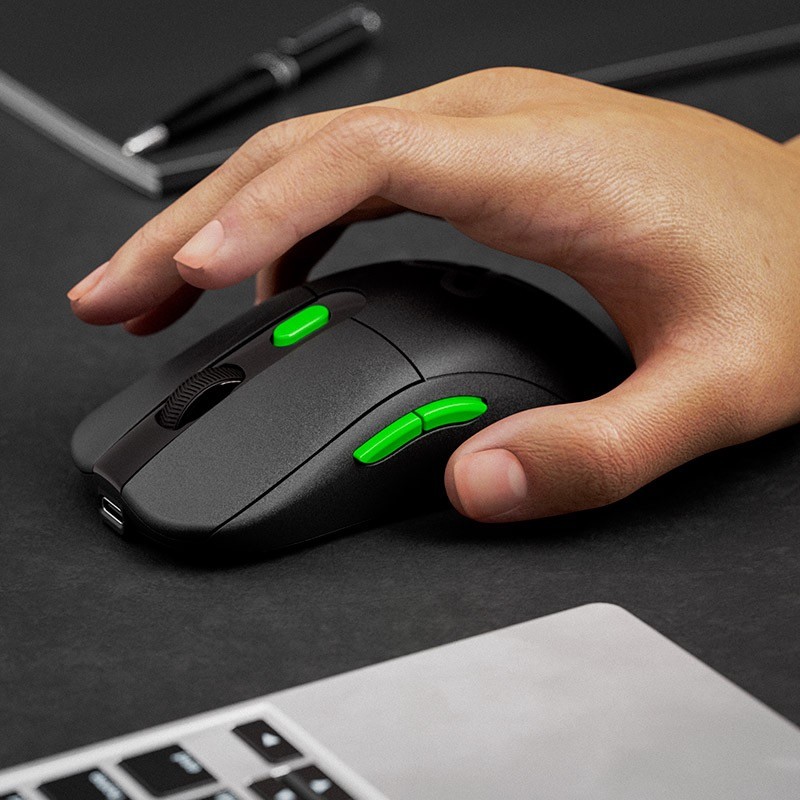
Ergonomic design – Sculpted for comfort. Promotes a natural hand posture and reduces wrist strain—for both left- and right-handed users.
Smart power management – On/off switch preserves battery life during travel or downtime.
Precision optical sensor with adjustable DPI – Smooth, accurate tracking with customizable DPI settings: 1000 / 1600 / 2400.
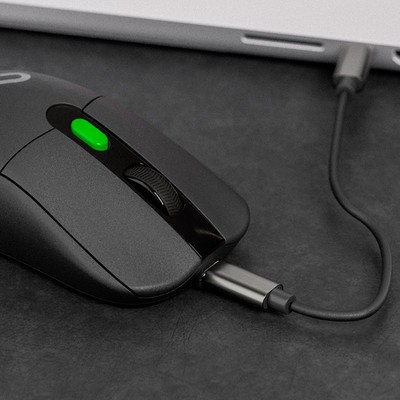
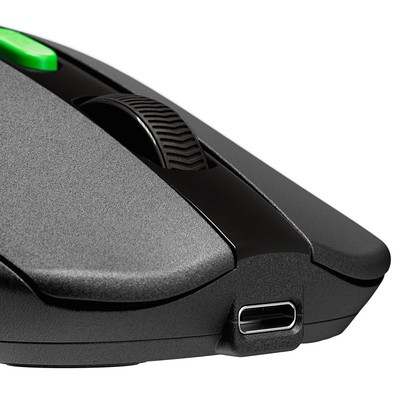
USB-C® fast charging – Charge faster and smarter with the latest USB-C® technology—reliable, reversible, and ready for modern workstations.